Cold Email and Outreach
How to Run a Cold Email Campaign With OutreachBox
Updated June 15, 2026
Quick answer: Connect and warm up an email account, verify your contact list, then go to Email → Campaigns, click Create Campaign, choose Standard or Sequence, write your subject and body with personalization variables, select your contacts, and launch. Monitor opens, clicks, and replies in the campaign dashboard and follow up automatically with sequences.
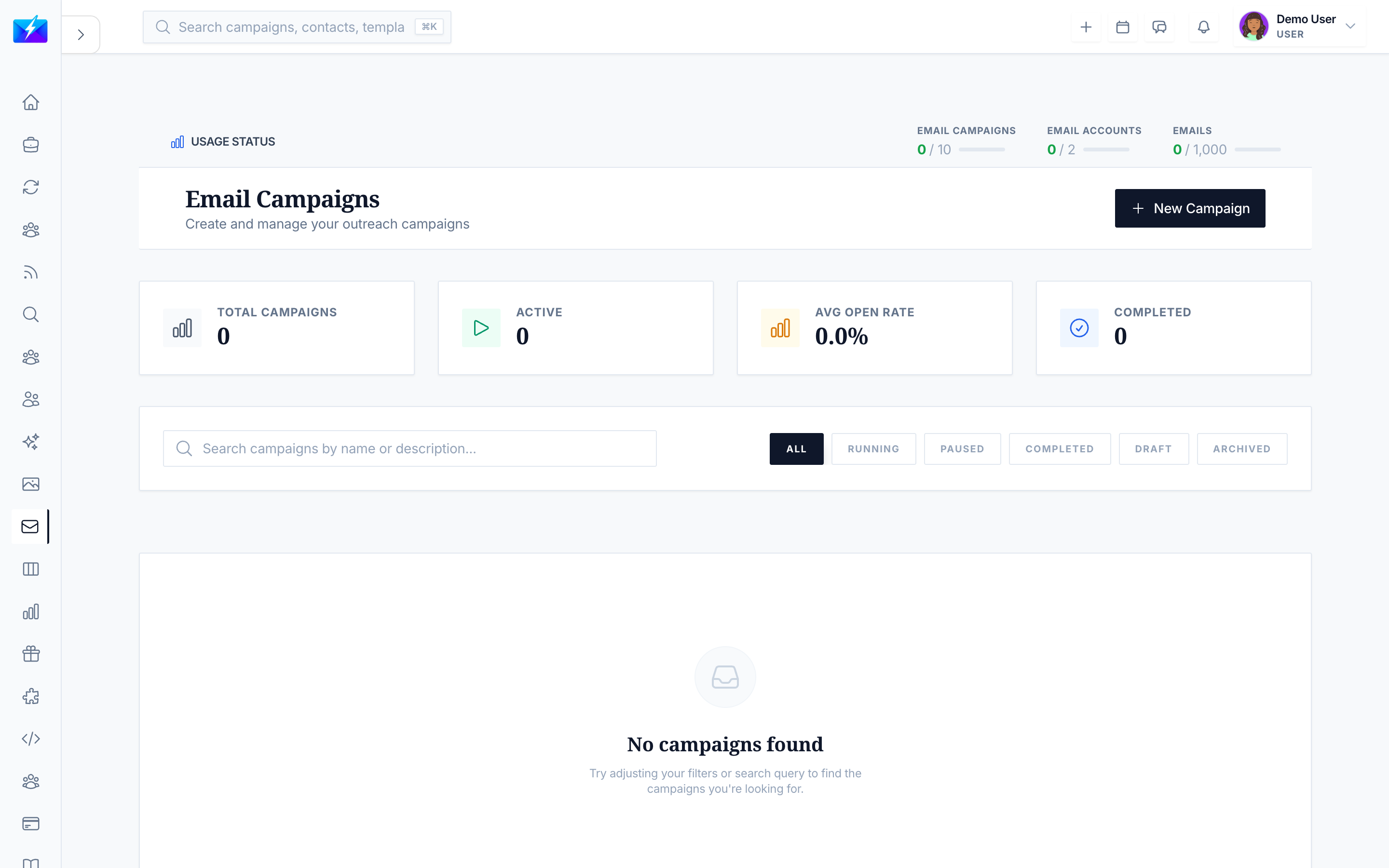
A cold email campaign turns a list of contacts into conversations. OutreachBox handles the whole pipeline — sending, sequencing, tracking, and follow-up — in one place. Follow these steps for a campaign that lands and gets replies.
Before you start: deliverability foundations
- Connect an email account — How to Connect an Email Account.
- Warm it up if it's new — How to Warm Up an Email Account.
- Verify your contacts so you don't email invalid addresses — How to Verify Email Addresses in Bulk.
How to create and launch a campaign
- Navigate to Email → Campaigns.
- Click Create Campaign.
- Choose a campaign type:
- Standard — a single email to a list.
- Sequence — multi-step with automated follow-ups (see How to Create an Email Sequence).
- Fill in Name, Description, Subject, Email content, and From email.
- Select contacts — manually, by group, or by filter (status, tags, verification, company, title).
- Configure sending settings.
- Click Create Campaign, then Launch.
How to monitor performance
The campaign dashboard shows Overview, Leads, Sequence, Monitoring, and Analytics. Track:
| Metric | What it tells you |
|---|---|
| Sent / Delivered | Volume and deliverability |
| Open rate | Subject line and timing effectiveness |
| Click rate | Content and offer relevance |
| Reply rate | Overall campaign success |
| Bounced | List quality issues |
You can pause, resume, edit, or delete a campaign at any time.
Best practices
- Send test emails before launching.
- Segment your audience and personalize with variables like
{{firstName}}. - Use sequences — most replies come from follow-ups, not the first email.
- Send to verified, engaged contacts only, and remove bounces and unsubscribes.
- Improve weak subject lines and timing if open rates lag. See How to Improve Email Deliverability.
Frequently Asked Questions
Why isn't my campaign sending?
Confirm your email account is connected and warmed up, you haven't exceeded sending limits, and review the campaign's monitoring tab for errors.What's the difference between a standard and sequence campaign?
A standard campaign sends one email to your list; a sequence sends an initial email plus automated follow-ups based on delays and conditions like "no reply."How do I improve low open rates?
Test better subject lines, send at optimal times, segment your audience more tightly, and keep your list clean and verified.How many contacts can I email?
That depends on your plan limits and your account's warmup status. Scale volume gradually to protect deliverability.Related articles
- How to Create an Email Sequence With Follow-Ups
- How to Warm Up an Email Account
- How to Track Email Campaign Performance
Land in the inbox, personalize, and follow up — that's the formula for cold email that converts.
Need more help?
Browse our knowledge base for more guides and tutorials