Cold Email and Outreach
How to Improve Email Deliverability and Avoid Spam
Updated June 15, 2026
Quick answer: To land in the inbox, warm up new email accounts before sending, verify your contact list to remove invalid addresses, personalize and segment your emails, send to engaged contacts, and continuously remove bounces and unsubscribes. OutreachBox's warmup, verification, and analytics features support each of these.
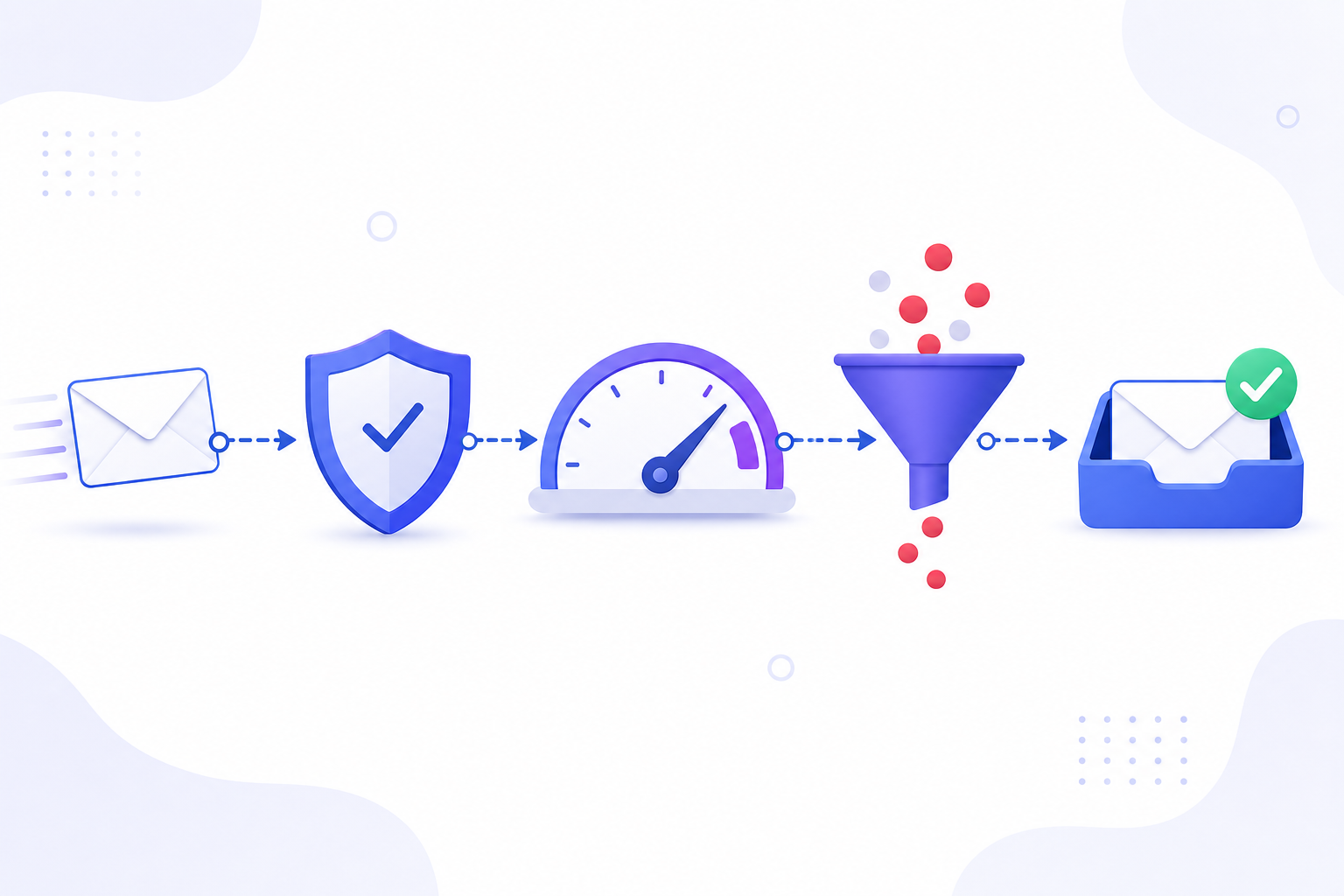
Deliverability is whether your emails actually reach the inbox. Even great copy fails if it lands in spam. This guide covers the levers that move deliverability — and the OutreachBox features behind each.
The deliverability checklist
- Warm up your sending account. New accounts must build reputation gradually. See How to Warm Up an Email Account.
- Verify your contacts. Emailing invalid addresses spikes bounces and hurts reputation. See How to Verify Email Addresses in Bulk.
- Keep your list clean. Remove bounced and unsubscribed contacts regularly. See How to Clean Your Email List.
- Segment and personalize. Relevant emails to the right people get more engagement and fewer spam complaints.
- Send to engaged contacts. Engagement (opens, replies) signals trust to mailbox providers.
- Monitor metrics. Watch bounce rates, open rates, and spam scores and act on them.
How to diagnose deliverability problems
| Symptom | Likely cause | Fix |
|---|---|---|
| High bounce rate | Unverified or stale list | Verify and clean the list |
| Low open rate | Spam folder placement or weak subject | Improve warmup, subjects, and timing |
| Rising unsubscribes | Poor targeting or frequency | Segment better, reduce frequency |
| Account flagged | Sending too much, too fast | Slow down; rely on warmup |
Best practices
- Never send a cold campaign from a brand-new, un-warmed account.
- Verify every imported list before the first send.
- Personalize with variables and segment by group, status, or verification quality.
- Maintain a steady, gradual sending volume rather than sudden spikes.
- Review campaign analytics after every send and prune your list.
Frequently Asked Questions
Why are my emails going to spam?
Common causes are an un-warmed account, an unverified or stale contact list, low engagement, or sending too much too quickly. Warm up, verify, segment, and ramp volume gradually.How do I lower my bounce rate?
Verify email addresses before sending and remove invalid and bounced contacts. See How to Verify Email Addresses in Bulk.Does personalization affect deliverability?
Yes — personalized, relevant emails earn more engagement and fewer spam complaints, which improves your sender reputation over time.Related articles
Deliverability is earned: warm up, verify, personalize, and keep your list clean.
Need more help?
Browse our knowledge base for more guides and tutorials