Cold Email and Outreach
How to Create an Email Sequence With Automated Follow-Ups
Updated June 15, 2026
Quick answer: When creating a campaign, choose Sequence Campaign, then add steps — an initial email plus follow-ups — set a delay (in days) for each step, and add conditions like "only send if no reply." OutreachBox sends each step automatically, so prospects get timely follow-ups without manual work.
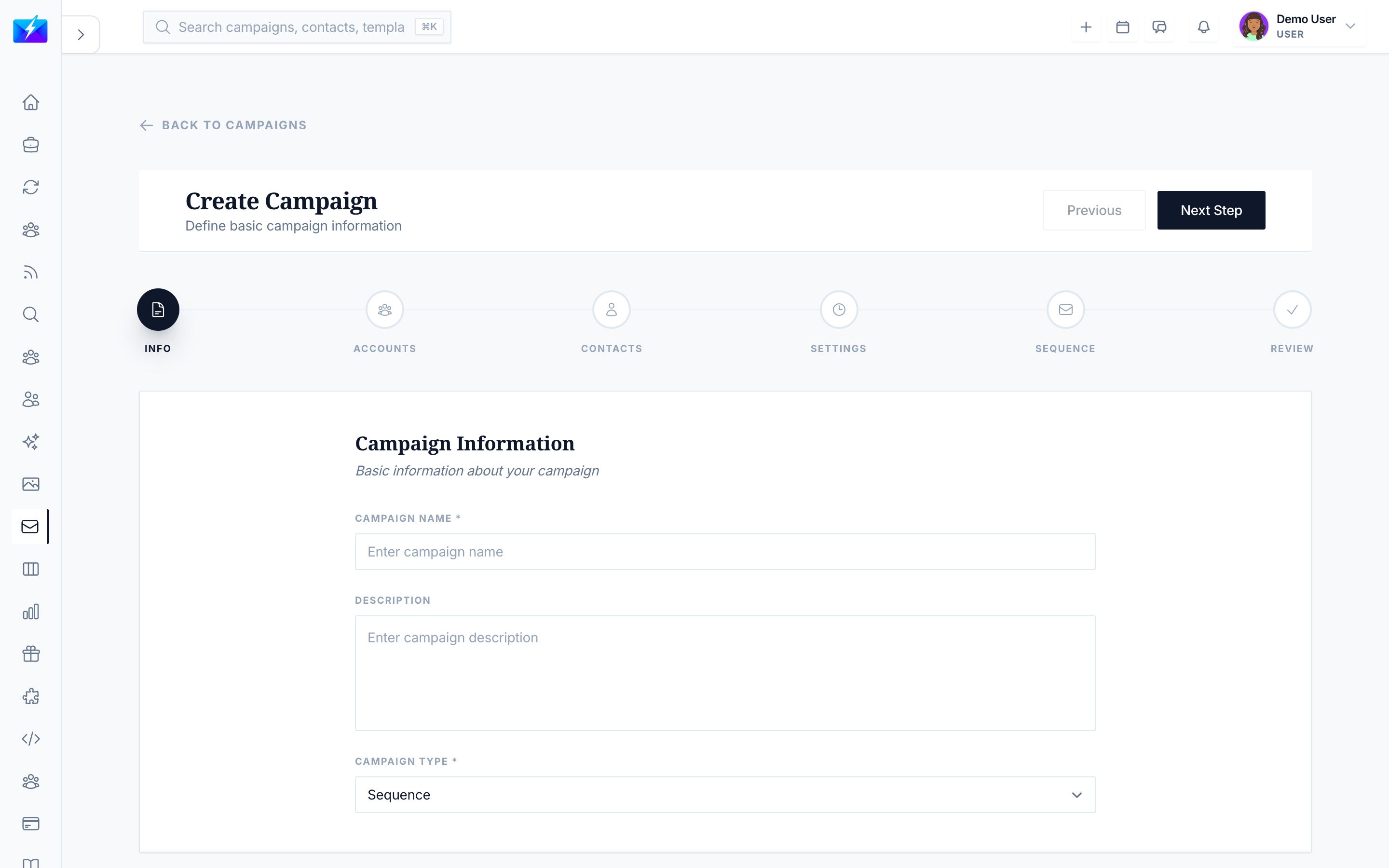
Most replies come from follow-ups, not the first send. Sequence campaigns automate those follow-ups so no prospect falls through the cracks.
How to build a sequence
- Go to Email → Campaigns and click Create Campaign.
- Choose Sequence Campaign.
- Add your steps:
- Step 1 — the initial email.
- Step 2 — first follow-up, with a delay (e.g., 3 days).
- Step 3 — final follow-up, with another delay.
- Configure delays between steps and conditions (e.g., only send if there's no reply).
- Save and launch the campaign.
Using the sequence editor
The sequence editor lets you:
- Add, remove, and reorder steps.
- Edit the email content for each step.
- Set per-step delays and conditions.
- Preview the full sequence flow.
How follow-ups stop
Set conditions so follow-ups stop when a prospect engages — for example, when they reply. This keeps your outreach respectful and relevant.
Best practices
- Keep the first email short and focused on one ask.
- Make each follow-up add value or a new angle — don't just "bump."
- Space steps a few days apart; avoid emailing daily.
- Always stop follow-ups on reply to avoid emailing people who already responded.
Frequently Asked Questions
How many steps should a sequence have?
A common structure is an initial email plus two follow-ups (three steps total). Test what works for your audience, but avoid being excessive.What delays should I use between steps?
A few days between steps is typical (for example, 3 days). Spacing gives prospects time to respond without you feeling pushy.Will follow-ups send to people who already replied?
Not if you set the condition to send only when there's no reply — OutreachBox then skips follow-ups for prospects who engaged.Related articles
- How to Run a Cold Email Campaign
- How to Create Reusable Email Templates
- How to Personalize Cold Emails at Scale
Automate your follow-ups and let the sequence do the persistent, polite chasing for you.
Need more help?
Browse our knowledge base for more guides and tutorials