Analytics and Reporting
How to Track Email Campaign Performance in OutreachBox
Updated June 15, 2026
Quick answer: Open a campaign in Email → Campaigns and go to its Analytics tab to see delivery and engagement metrics — sent, delivered, bounced, opens, clicks, and replies — plus per-contact tracking and A/B test results. Use these to optimize subject lines, content, and targeting.
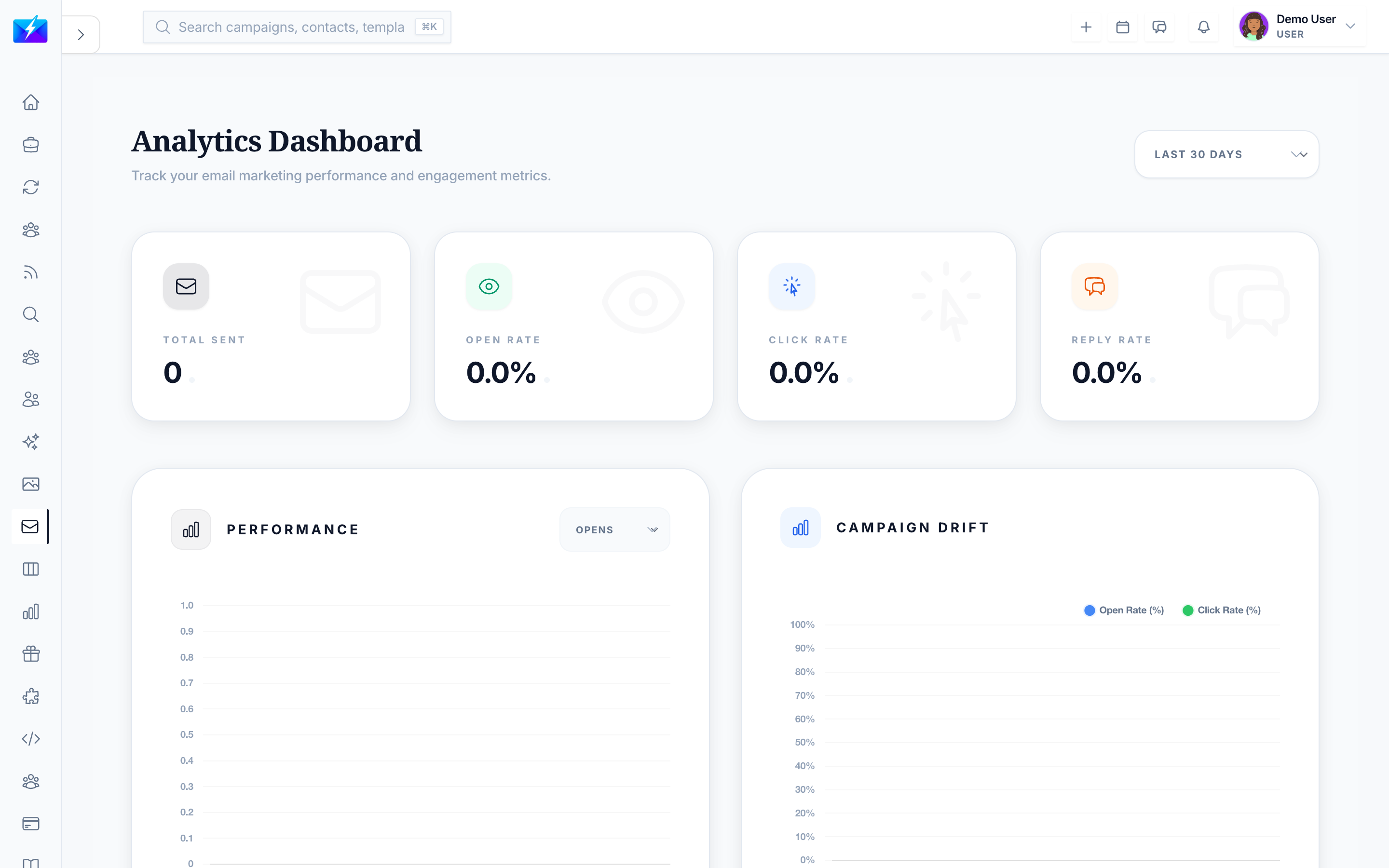
You can't improve what you don't measure. Campaign analytics show exactly how each send performed so you can iterate toward better results.
How to view campaign analytics
- Go to Email → Campaigns and open a campaign.
- Select the Analytics tab.
The metrics that matter
| Metric | Tells you |
|---|---|
| Sent / Delivered | Volume and deliverability |
| Bounced / Delivery rate | List quality |
| Opened / Open rate | Subject line and timing |
| Clicked / Click rate | Content and offer relevance |
| Replied / Reply rate | Overall effectiveness |
You also get contact-level analytics (who opened, clicked, replied) and A/B test results with variant comparison and a winner.
How to act on the data
- Low open rate → improve subject lines and send timing; clean your list.
- Low click rate → strengthen content and call to action.
- High bounce rate → verify and clean your list. See How to Clean Your Email List.
- Low reply rate → tighten targeting and personalization, and use follow-ups.
Best practices
- Review analytics after every send and compare across campaigns.
- Run A/B tests on subject lines to find what resonates.
- Track trends over time, not just single-campaign numbers.
- Feed insights back into segmentation and content.
Frequently Asked Questions
Where do I find campaign analytics?
Open the campaign in Email → Campaigns and click the Analytics tab for that campaign's metrics. For a cross-campaign view, use the analytics dashboard.What's a good open or reply rate?
It varies by industry and audience, so compare against your own past campaigns and improve from there rather than chasing a universal benchmark.How do A/B tests work here?
You compare variants (such as different subject lines), and the analytics show variant performance and identify a winner.Related articles
Measure every send, act on the weak spots, and let the data compound your results.
Need more help?
Browse our knowledge base for more guides and tutorials