How to Personalize Cold Emails at Scale With OutreachBox
Quick answer: Personalize at scale by storing rich contact data (name, company, job title), building templates with variables like{{firstName}}and{{company}}, segmenting contacts into groups, and using sequences so each prospect gets relevant, well-timed follow-ups. OutreachBox merges contact data into every send automatically.
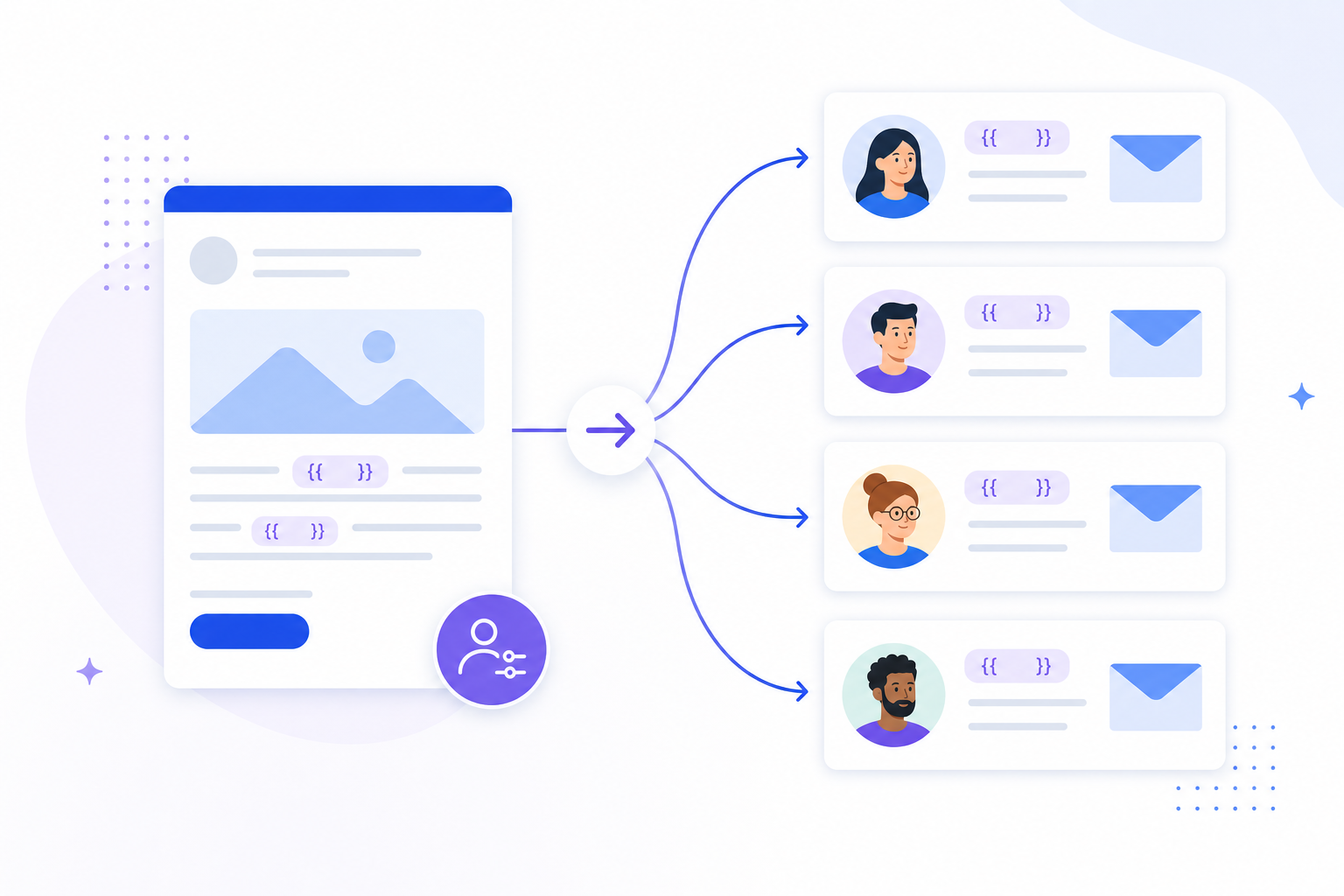
Generic blasts get ignored. Personalization at scale means every recipient feels individually addressed — without you writing each email by hand. Here's how to do it in OutreachBox.
Step 1: Capture rich contact data
Personalization is only as good as your data. Ensure contacts have name, company, and job title populated.
- Add details when you save leads or import contacts.
- Keep records current. See How to Manage Your Contacts.
Step 2: Build templates with variables
Create reusable templates that merge in contact fields:
| Variable | Inserts |
|---|---|
{{firstName}} | First name |
{{lastName}} | Last name |
{{company}} | Company name |
{{jobTitle}} | Job title |
See How to Create Reusable Email Templates.
Step 3: Segment your audience
Use groups and tags to segment by industry, seniority, or stage, then tailor messaging per segment instead of sending one message to everyone.
Step 4: Personalize follow-ups with sequences
Set up sequences so each step adds a relevant angle and stops automatically when a prospect replies.
Best practices
- Personalize beyond the first name — reference company or role for relevance.
- Segment tightly; a focused message to 100 right people beats a generic one to 1,000.
- Keep data clean and verified so variables never render blank or wrong.
- A/B test subject lines and openers across segments.
Frequently Asked Questions
How does personalization work at scale?
You build templates with variables, and OutreachBox automatically merges each contact's data (name, company, title) into their email when the campaign sends — so one template personalizes thousands of emails.What if a contact is missing data for a variable?
The variable may render blank. Keep contact records complete and verified, and consider segmenting out records that lack the fields you personalize on.How is segmentation different from personalization?
Segmentation groups contacts so you can tailor the message per group; personalization merges individual contact details into each email. Use both together for the best results.Related articles
- How to Create Reusable Email Templates
- How to Organize Contacts With Groups and Tags
- How to Create an Email Sequence With Follow-Ups
Great data plus variables plus segments equals personal emails at any scale.
Need more help?
Browse our knowledge base for more guides and tutorials