Contacts and Data Hygiene
How to Clean Your Email List to Protect Sender Reputation
Updated June 15, 2026
Quick answer: Clean your list by verifying all addresses, removing those scored Bad (and most Risky), deleting bounced and unsubscribed contacts, and re-verifying periodically. OutreachBox's verification, contact status tracking, and bulk actions make this a quick, repeatable routine.
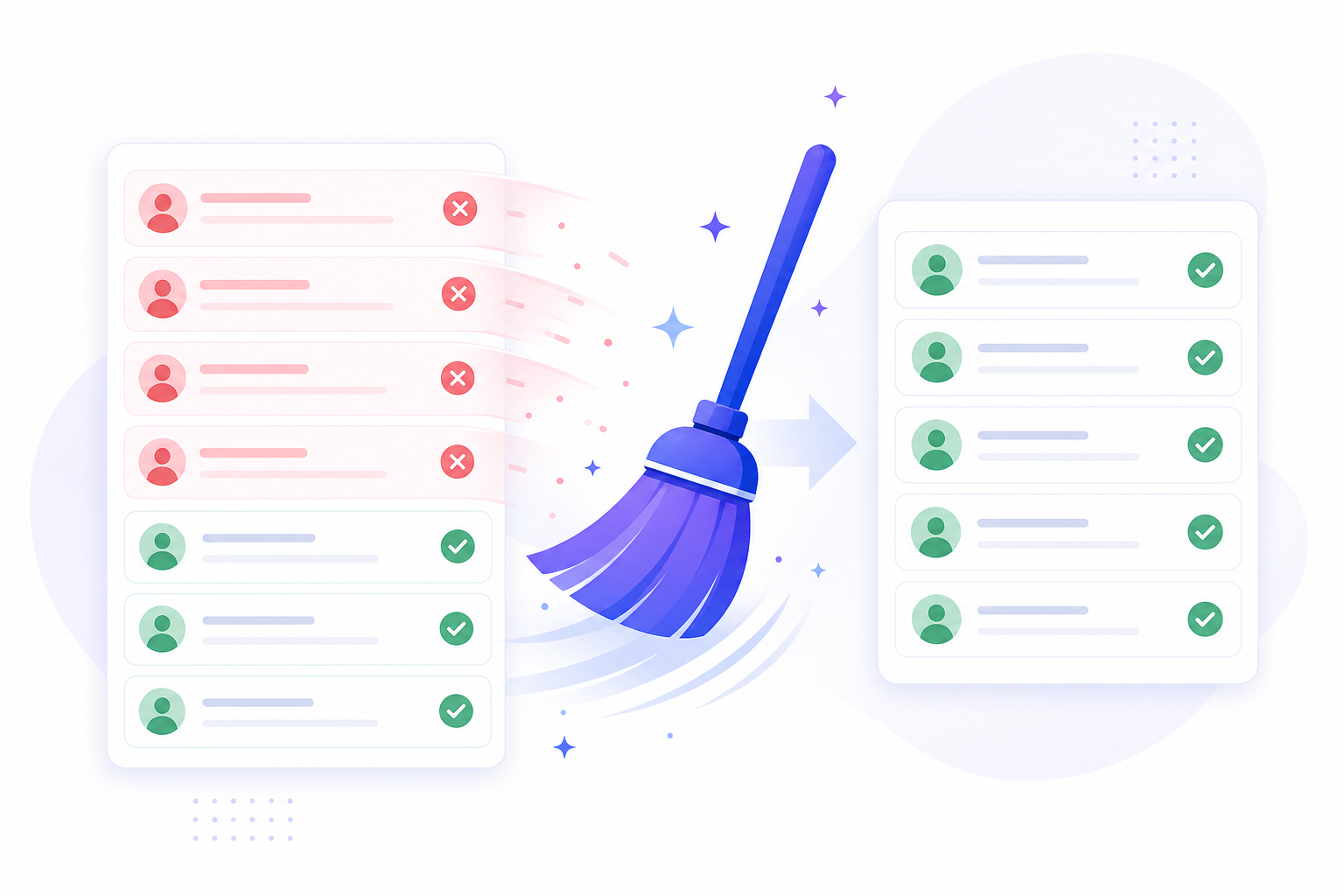
A dirty list quietly destroys deliverability: bounces and spam complaints damage your sender reputation, so even valid contacts stop seeing your emails. Regular cleaning keeps you in the inbox.
The list-cleaning routine
- Verify the whole list. Run bulk verification and review the quality scores. See How to Verify Email Addresses in Bulk.
- Remove Bad and Risky addresses. Use bulk actions to delete invalid and high-risk contacts.
- Remove bounced contacts. Filter by Bounced status and delete them.
- Remove unsubscribed contacts. Respect opt-outs — never email Unsubscribed contacts.
- Re-verify periodically. Lists decay over time, so repeat this routine regularly.
Why list hygiene matters
| Problem | Impact |
|---|---|
| High bounce rate | Damages sender reputation, more spam placement |
| Spam complaints | Providers throttle or block your mail |
| Emailing unsubscribers | Compliance risk and complaints |
| Stale data | Wasted sends and skewed metrics |
How OutreachBox helps
- Verification scores every address so you know what to remove.
- Contact status (Active, Unsubscribed, Bounced) lets you filter and clean fast.
- Bulk actions delete or re-verify many contacts at once.
- Analytics surface rising bounce and unsubscribe rates early. See How to Track Email Campaign Performance.
Best practices
- Clean before every major campaign and on a recurring schedule.
- Never re-add or email contacts who unsubscribed.
- Treat a spike in bounces as a signal to pause and clean.
- Keep imported lists verified from day one.
Frequently Asked Questions
How often should I clean my list?
Before every major campaign and on a recurring schedule (for example, monthly). Email lists decay over time as people change jobs and addresses.Should I remove Risky addresses too?
Often yes. Risky addresses raise your bounce and complaint risk; removing most of them protects your reputation, though you may keep some selectively.What happens if I keep emailing bad addresses?
Bounces and complaints accumulate, your sender reputation drops, and more of your emails — even to valid contacts — land in spam.Related articles
A clean list is a high-deliverability list — verify, prune, and repeat.
Need more help?
Browse our knowledge base for more guides and tutorials