Automation and AI Agents
How to Automate Content Creation With a Content Agent
Updated June 15, 2026
Quick answer: Create a Content Agent in Agents, set its content type, topic, tone, length, and SEO keywords, then enable it. The agent generates blog posts, articles, or copy automatically; review the drafts in its Tasks tab, edit, and publish.
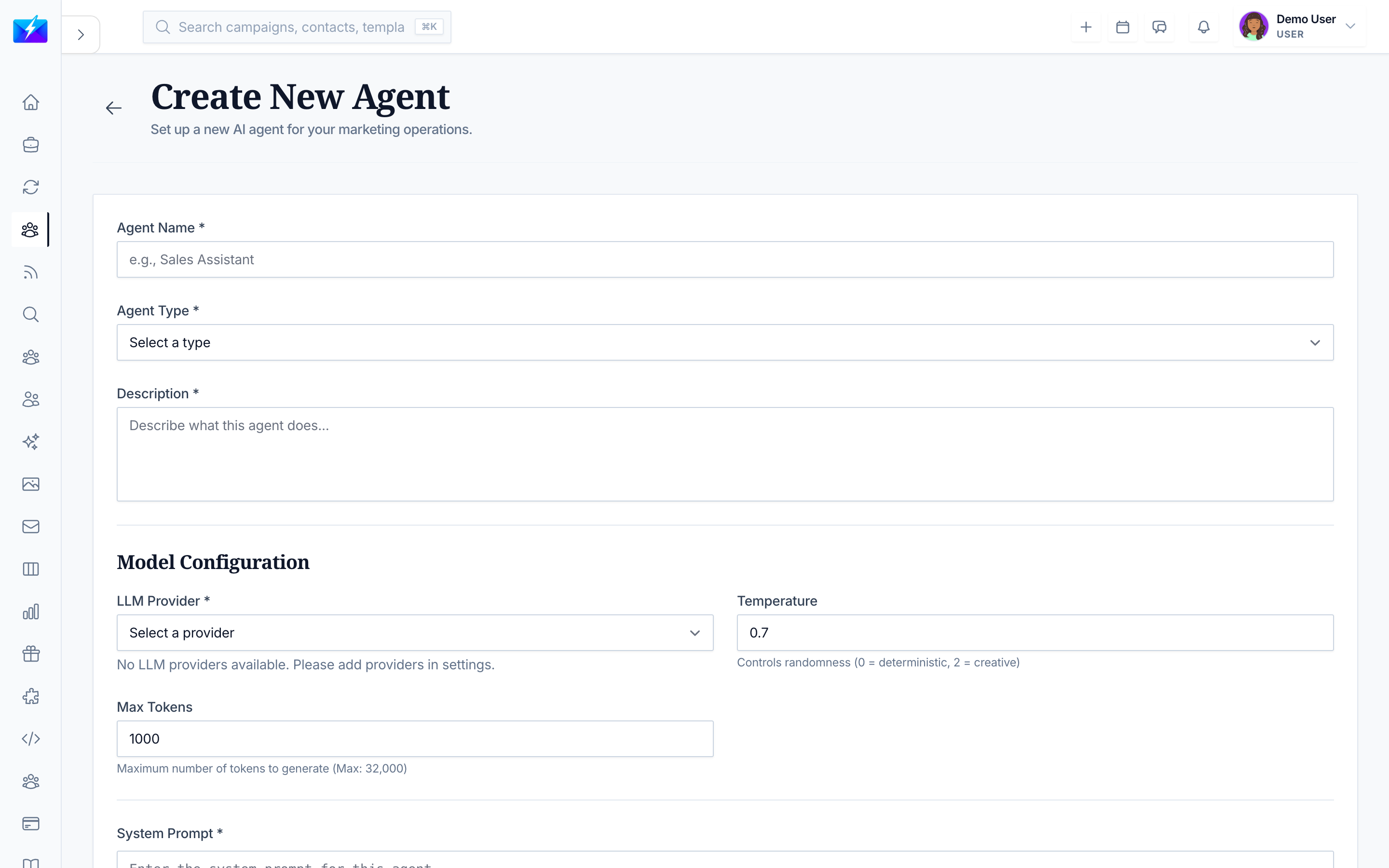
A Content Agent is your always-on writer. Configure your topics and style once, and it produces a steady stream of drafts you can refine and publish.
What a Content Agent does
- Generates blog posts and articles.
- Creates marketing copy and product descriptions.
- Develops content ideas.
How to set one up
- Open Agents and click New Agent.
- Choose Content Agent.
- Name and describe it.
- Configure:
- Content type — blog, article, social, etc.
- Topic — what to write about.
- Tone — professional, casual, technical.
- Length — target size.
- Keywords — SEO keywords to include.
- Enable and create it.
Content Agent vs. Auto Generator
| Use a Content Agent when… | Use the Auto Generator when… |
|---|---|
| You want an autonomous writer for a topic area | You want scheduled jobs tied to a project |
| You'll review drafts as they're produced | You want a fixed cadence (daily/weekly) |
For scheduled, project-based generation, see How to Automate Content Creation With the Auto Generator.
Best practices
- Give clear topics and keywords so drafts stay on-strategy.
- Always review and edit AI drafts before publishing.
- Pair with a content calendar so output has a home. See How to Build a Content Calendar.
- Monitor the agent's success rate and refine its configuration.
Frequently Asked Questions
What content can a Content Agent create?
Blog posts, articles, marketing copy, product descriptions, and content ideas — based on the topic, tone, length, and keywords you set.Should I publish its output directly?
No — always review and edit for accuracy, voice, and intent before publishing.How is this different from the Auto Generator?
A Content Agent is an autonomous writer you configure by topic; the Auto Generator runs scheduled, project-tied generation jobs. Use whichever matches your workflow.Related articles
- How to Automate Content Creation With the Auto Generator
- How to Generate SEO Blog Posts With AI
- What Are AI Agents and How to Use Them
Configure your writer once, then review and publish a steady stream of on-brand drafts.
Need more help?
Browse our knowledge base for more guides and tutorials