Automation and AI Agents
What Are AI Agents in OutreachBox and How to Use Them
Updated June 15, 2026
Quick answer: AI Agents are automated assistants that work in the background 24/7 to handle marketing tasks like finding leads, researching companies, generating content, and sending emails. Open Agents, click New Agent, choose a type, name and configure it, then enable it — and it works on its own.
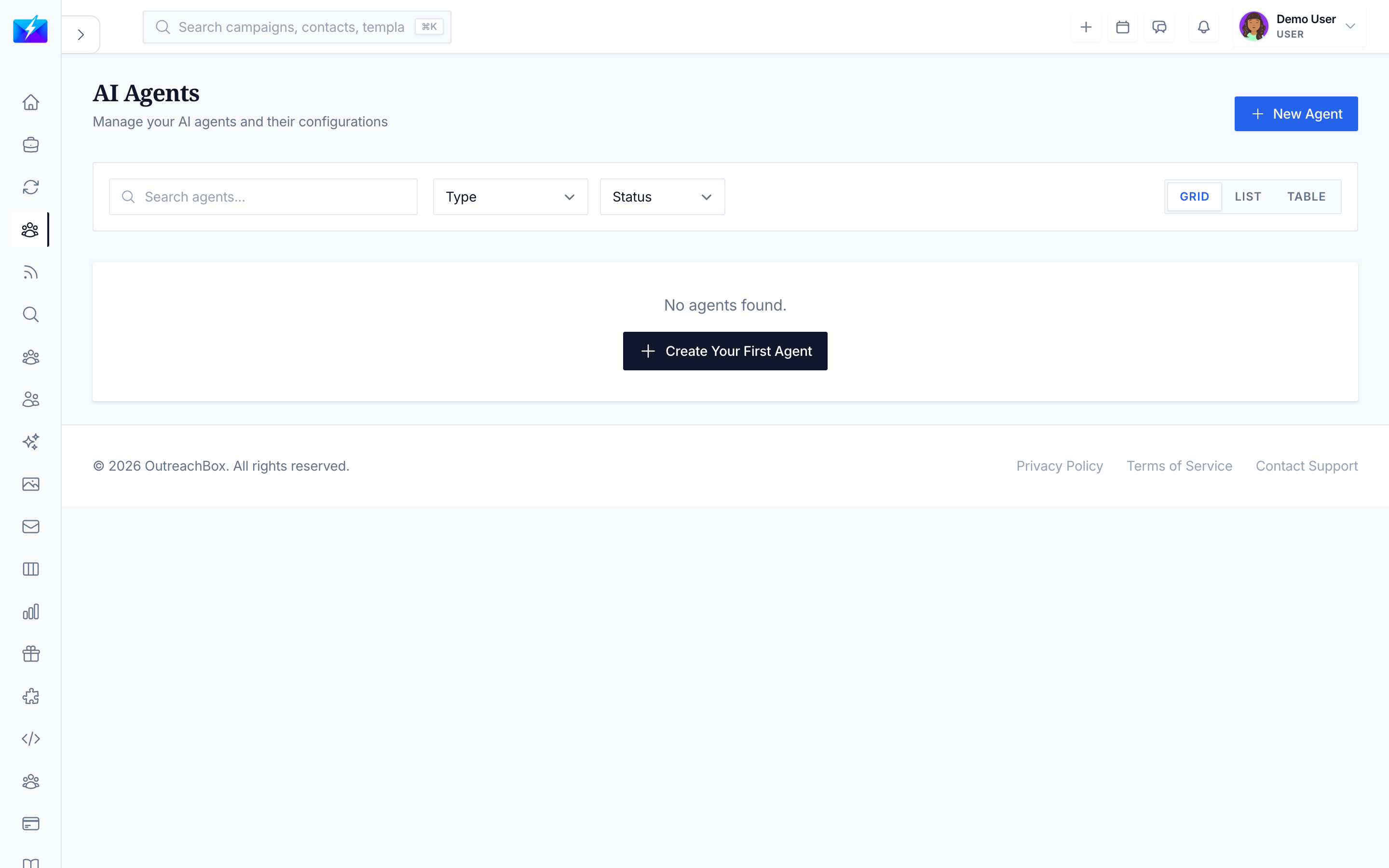
AI Agents are specialized workers you set up once and let run. They save time on repetitive work, run even when you're offline, and produce consistent results at scale.
Types of AI agents
| Agent | Best for |
|---|---|
| Research Agent | Researching companies, competitors, and market trends |
| Web Search Agent | Finding specific information on the web |
| Email Agent | Automating email sending and responses |
| Content Agent | Generating blogs, articles, and copy |
| Social Media Agent | Creating and scheduling social posts |
| Lead Generation Agent | Discovering new leads and contact info |
| Analytics Agent | Analyzing performance and generating insights |
How to create your first agent
- Open Agents from the navigation.
- Click New Agent.
- Choose the agent type for your task.
- Give it a descriptive name (e.g., "SaaS CMO Finder").
- Add a description of what it should do.
- Configure its settings (these vary by type).
- Choose whether to enable it immediately.
- Click Create Agent.
Understanding agent status
| Status | Meaning |
|---|---|
| Active | Working and processing tasks |
| Inactive | Turned off |
| Busy | Currently running a task |
| Error | Needs attention — open it to see why |
| Initializing | Starting up |
| Idle | Ready, waiting for work |
| Offline | Can't connect — check connection/support |
Managing and monitoring agents
- Enable/disable with the toggle; edit settings any time; delete when no longer needed.
- Open an agent to see Overview, Tasks, Performance, Configuration, and Logs tabs.
- Do a quick daily check for any red Error statuses.
Best practices
- Name agents descriptively so their purpose is obvious.
- Configure parameters carefully — overly narrow criteria can return nothing.
- Start with one agent for a recurring task, then scale up.
- Monitor performance (aim for a high success rate) and review logs on errors.
Frequently Asked Questions
What can AI agents do?
They automate marketing work — finding leads, researching companies, generating content, sending emails, creating social posts, and analyzing performance — running in the background without manual effort.My agent isn't doing anything — why?
Check that it's enabled, that you chose the right agent type, that its settings aren't too restrictive, and whether it shows an Error status (open it to read the message).Do agents run when I'm logged out?
Yes — agents work 24/7 in the background, including when you're offline.Related articles
- How to Create a Lead Generation AI Agent
- How to Automate Tasks With Workflows
- How to Use a Research Agent for Market Intelligence
Set an agent up once, and it keeps working toward your marketing goals around the clock.
Need more help?
Browse our knowledge base for more guides and tutorials