Automation and AI Agents
How to Use a Research Agent for Market Intelligence
Updated June 15, 2026
Quick answer: Create a Research Agent in Agents, give it a research topic, sources, depth, and output format, then enable it. The agent gathers information on companies, competitors, and market trends, and compiles it into reports you can review in its Tasks tab — automating the research you'd otherwise do by hand.
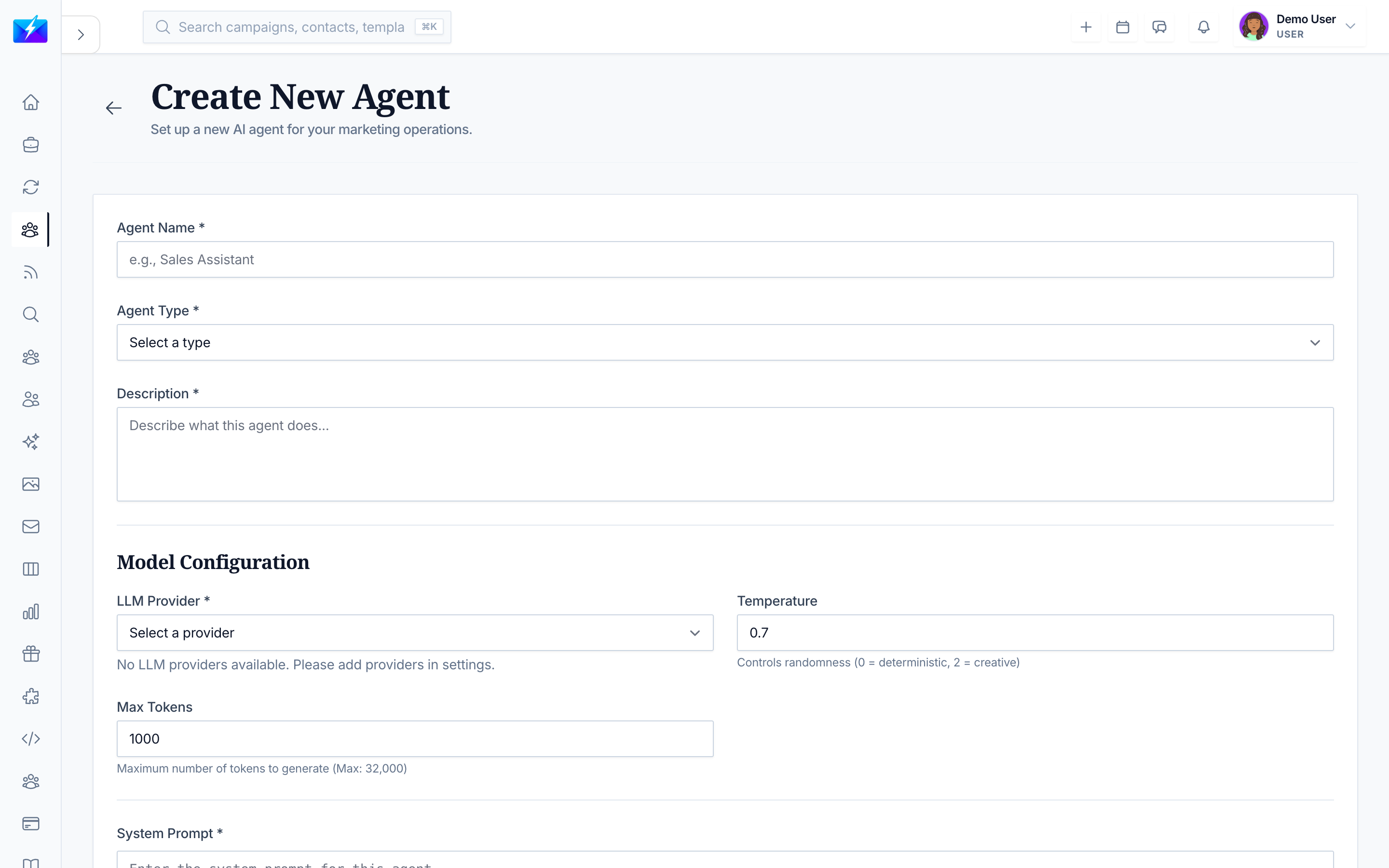
A Research Agent does the digging for you — gathering company, competitor, and market intelligence automatically so you make decisions from data instead of guesses.
What a Research Agent does
- Researches companies and industries.
- Gathers market intelligence and trends.
- Analyzes competitor data.
- Compiles research into reports.
How to set one up
- Open Agents and click New Agent.
- Choose Research Agent.
- Name it (e.g., "SaaS Market Tracker") and describe its purpose.
- Configure:
- Research topic — what to investigate.
- Sources — where to look.
- Depth — how thorough to be.
- Output format — report or summary.
- Enable and create it.
How to use the results
- Open the agent's Tasks tab to read completed research.
- Feed findings into competitor analysis and content planning.
- Combine with a Web Search Agent for broader coverage.
Best practices
- Scope the topic clearly — a focused brief yields more useful research.
- Choose a depth that matches the decision you're informing.
- Run it on a schedule to track a market over time.
- Validate critical findings before acting on them.
Frequently Asked Questions
What can a Research Agent research?
Companies, industries, competitors, and market trends — compiled into the report or summary format you choose.How is it different from a Web Search Agent?
A Research Agent focuses on compiling deeper research and reports on a topic; a Web Search Agent finds specific information on the web. Use them together for breadth and depth.Can it track a market continuously?
Yes — run it on a schedule so it refreshes your market intelligence over time.Related articles
- What Are AI Agents and How to Use Them
- How to Do Competitor Analysis for SEO
- How to Build a Content Calendar With OutreachBox
Let a Research Agent do the legwork, and make decisions from intelligence instead of intuition.
Need more help?
Browse our knowledge base for more guides and tutorials