How to Build a Targeted Prospect List in OutreachBox
Quick answer: Define your ideal customer profile, use Leads Search, Sales Research, or Prospects Research with tight filters to find matches, reveal and save the best contacts, organize them into groups, and verify their emails. The result is a clean, segmented list ready for outreach.
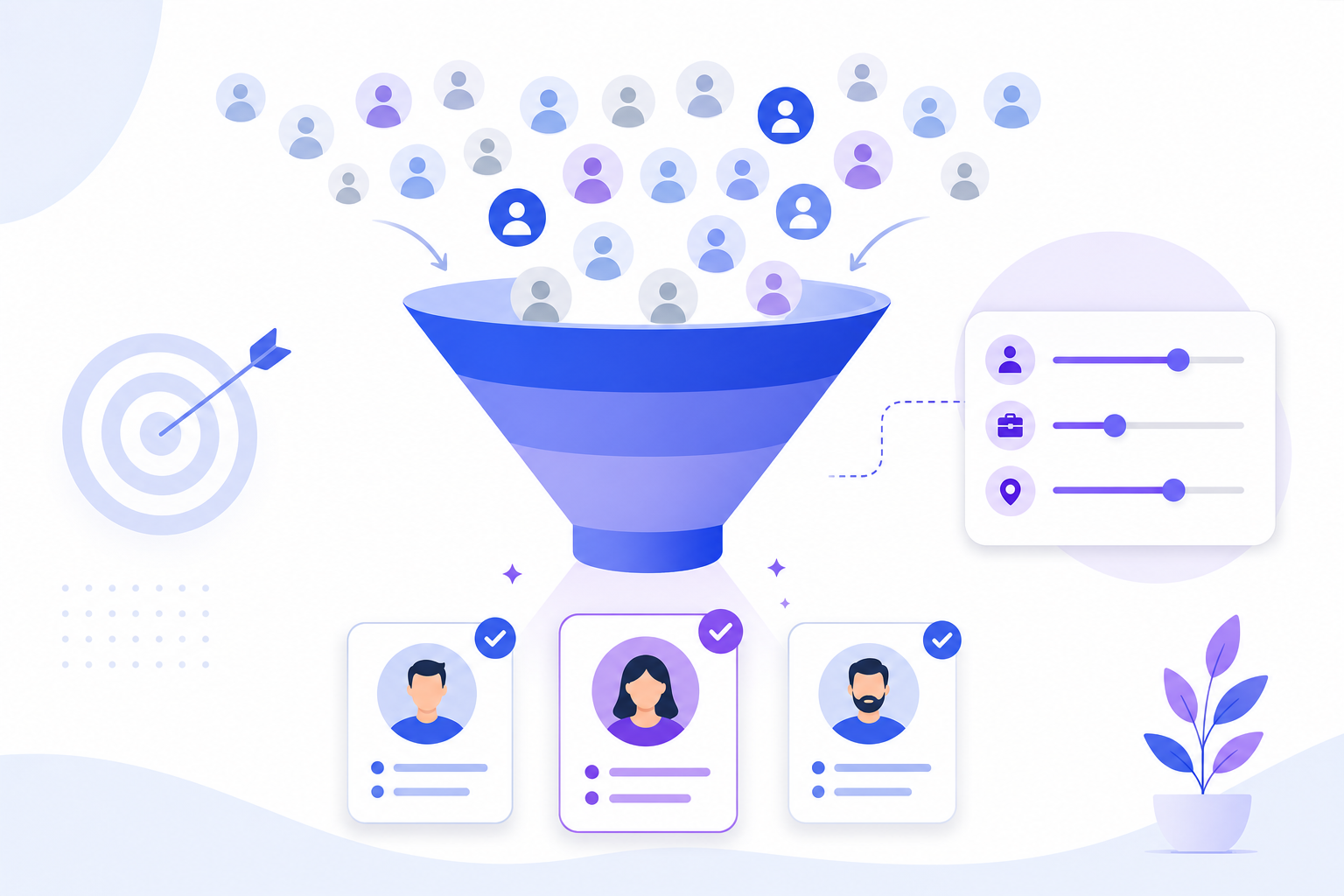
A targeted list is the difference between outreach that converts and emails that get ignored. Here's a repeatable process for building one in OutreachBox.
Step 1: Define your ideal customer profile (ICP)
Decide who you're targeting: industry, company size, geography, job function, and seniority. The clearer your ICP, the better your filters work.
Step 2: Find matching contacts
Choose the right research tool for the job:
| Tool | Best for |
|---|---|
| Leads Search | Broad people/company database search |
| Sales Research | Finding decision-makers |
| Prospects Research | Marketing/SEO outreach targets |
Apply filters that match your ICP and search.
Step 3: Reveal and save the best contacts
Reveal email/phone only for strong matches, then save them to contacts. See How to Reveal Verified Emails and Phone Numbers.
Step 4: Organize with groups and tags
Segment your saved contacts into groups and tags by segment, campaign, or priority so you can target precisely.
Step 5: Verify before outreach
Run bulk verification and remove bad addresses so your list is clean before the first send.
Best practices
- Quality over quantity — a focused list outperforms a huge generic one.
- Tag the source and intent of each contact for easy segmentation later.
- Verify every list before campaigns to protect deliverability.
- Refresh and prune lists regularly. See How to Clean Your Email List.
Frequently Asked Questions
Which research tool should I use?
Use Leads Search for broad discovery, Sales Research to find decision-makers, and Prospects Research for marketing/SEO outreach. Many lists combine results from more than one.How big should my prospect list be?
Big enough to hit your goals, but tightly targeted. A smaller, well-matched, verified list typically converts far better than a large unfocused one.How do I keep my list clean?
Verify emails before sending and regularly remove bounced and unsubscribed contacts. See How to Clean Your Email List.Related articles
- How to Find B2B Leads With Leads Search
- How to Organize Contacts With Groups and Tags
- How to Verify Email Addresses in Bulk
Define your ICP, filter tightly, verify, and segment — that's a list that converts.
Need more help?
Browse our knowledge base for more guides and tutorials