Lead Generation and Research
How to Reveal Verified Emails and Phone Numbers for Leads
Updated June 15, 2026
Quick answer: In Leads → Search, find a lead and click Reveal Email or Reveal Phone to unlock their contact details (each reveal uses a credit from your plan). Save the lead to contacts, then verify the email before adding it to a campaign.
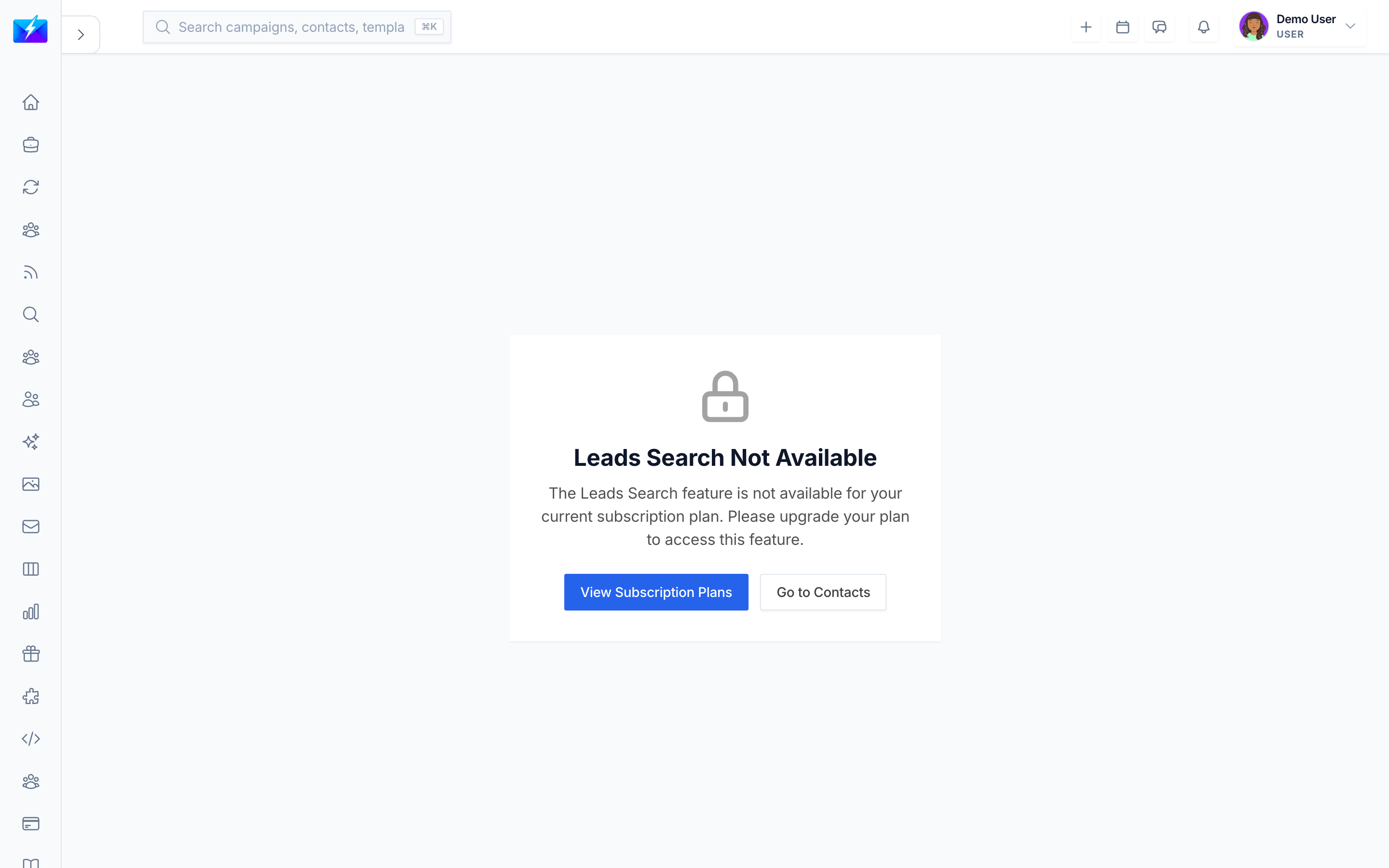
Revealing contact details turns a lead you found into someone you can actually reach. This guide explains how reveals work, what they cost, and how to use them wisely.
How to reveal contact details
- In Leads → Search, run a search and open a lead. See How to Find B2B Leads With Leads Search.
- Click Reveal Email to unlock the email address (uses a credit).
- Click Reveal Phone to unlock the phone number (uses a credit).
- Click Save Contact to store the lead with its revealed details.
Understanding reveal limits
- Each reveal counts toward your plan's email reveal or phone reveal limit.
- Usage counters at the top of the page show used vs. total reveals.
- When you run low, upgrade your plan. See How to Manage Your Subscription and Billing.
After revealing: verify before you send
Revealed emails should still be verified before campaigns to protect deliverability:
- Verify in bulk — see How to Verify Email Addresses in Bulk.
- Verification quality is shown as Excellent, Good, Risky, or Bad.
Best practices
- Filter to your ideal leads before revealing — don't waste credits on poor fits.
- Reveal email and phone only when you intend to act on the lead.
- Verify revealed emails before adding them to a campaign.
- Monitor your usage counters so you don't run out mid-project.
Frequently Asked Questions
Does each reveal cost a credit?
Yes. Email and phone reveals each consume a credit from your plan's limits. Track usage with the counters on the search page.Why won't a reveal work?
Check that you haven't hit your reveal limit, confirm your subscription is active, and verify your internet connection. Contact support if the issue persists.Are revealed emails already verified?
Treat revealed emails as candidates and verify them before sending. Verification confirms deliverability and flags risky or invalid addresses.Related articles
- How to Find B2B Leads With Leads Search
- How to Verify Email Addresses in Bulk
- How to Manage Your Subscription and Billing
Reveal with intent: filter first, reveal the best, verify, then reach out.
Need more help?
Browse our knowledge base for more guides and tutorials