Quick answer: Open Prospects, enter keywords plus industry, location, and company size, then run a prospect campaign (web search, LinkedIn search, or custom). Review results, save the best prospects, add them to your contacts, and reach out — ideal for link-building and content-promotion outreach.
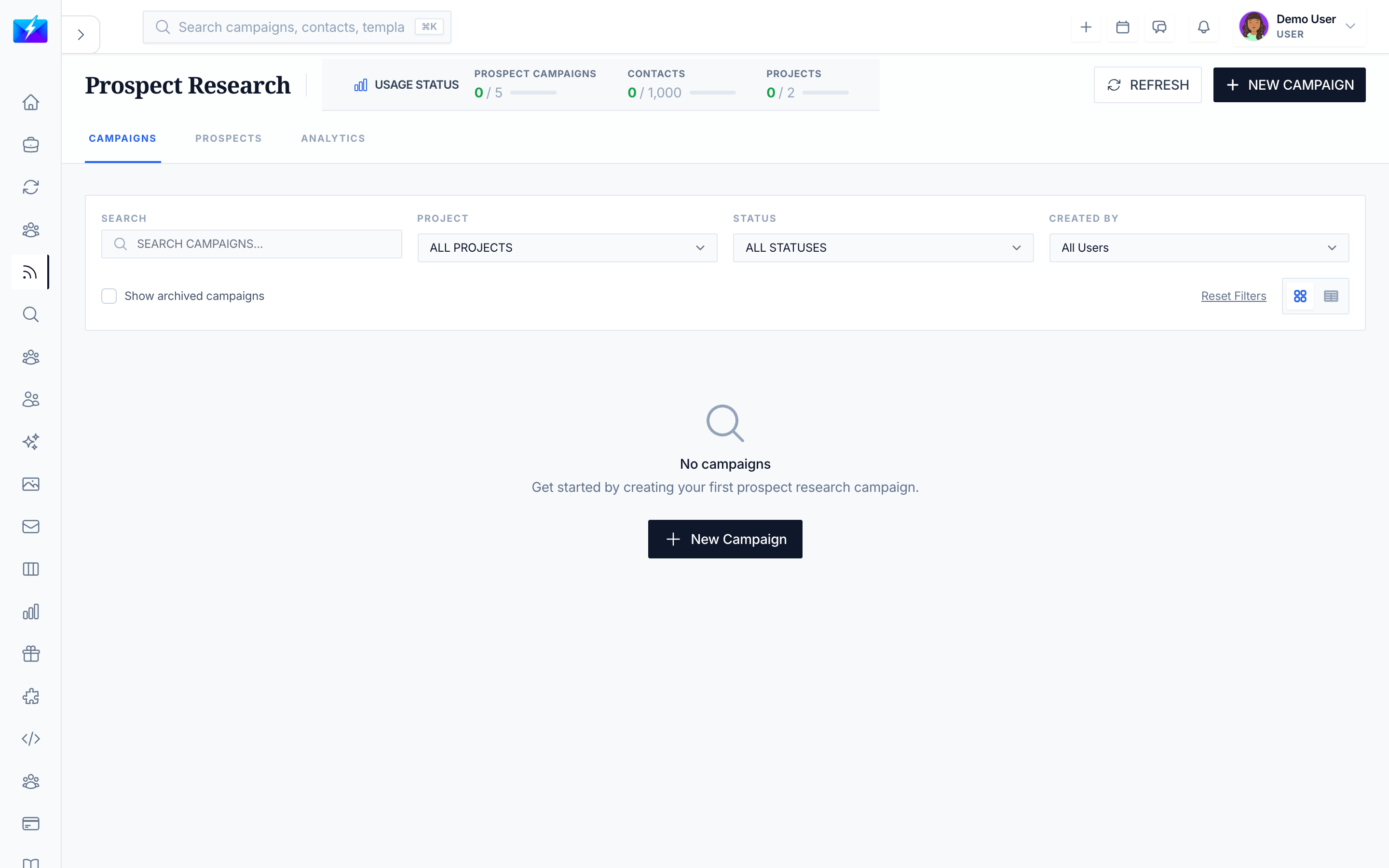
Prospects Research helps you discover the right people and sites for marketing and SEO outreach — the foundation of link-building, guest posting, and content promotion.
Before you start
Define what makes a prospect relevant: audience, subject matter, partnership fit, or business need. Set exclusions before collecting a large list.
Practical example
For a resource partnership, look for websites serving the same audience with complementary content. Record why your resource helps their readers rather than asking for a link without context.
Check your result
If research returns many irrelevant sites, narrow the topic and review sample results. AI summaries are a starting point; inspect the underlying website before contacting its owner.
How to search for prospects
- Navigate to Prospects.
- Enter your criteria — keywords, industry, location, company size.
- Apply filters and click Search.
- Browse the results.
How to run a prospect campaign
- Click Create Campaign.
- Define your search criteria.
- Choose a campaign type:
- Web Search — web-based discovery.
- LinkedIn Search — LinkedIn prospecting.
- Custom Search — your own criteria.
- Set parameters, start the campaign, and monitor progress.
How to use prospects for SEO outreach
Prospect research powers the promotion half of SEO:
- Find sites and people relevant to your content topics.
- Save prospects and add them to contacts.
- Run a cold email campaign pitching guest posts, mentions, or backlinks.
This closes the loop on How to Do SEO With OutreachBox.
Best practices
- Use specific criteria — relevance matters more than volume for outreach.
- Save strong prospects and keep campaigns organized by topic.
- Personalize every pitch; generic link requests get ignored.
- Follow up promptly and politely.
Frequently Asked Questions
What's the difference between prospects, leads, and sales research?
Prospects Research targets marketing/SEO outreach (e.g., link building); Leads Search is a broad people/company database; Sales Research focuses on decision-makers for a sales pipeline. They complement each other.
Which campaign type should I use?
Use Web Search for broad discovery, LinkedIn Search for people-based prospecting, and Custom Search when you have specific criteria.
How do prospects help my SEO?
Outreach to relevant prospects earns the mentions and backlinks that build authority and rankings — the promotion step of the SEO workflow.
Related articles
- How to Do SEO With OutreachBox
- How to Build a Targeted Prospect List
- How to Run a Cold Email Campaign
Find relevant prospects, personalize your pitch, and turn outreach into links and coverage.