Getting Started
How to Reset Your Password and Keep Your OutreachBox Account Secure
Updated June 15, 2026
Quick answer: Click Forgot Password on the login page, enter your email, and follow the reset link sent to your inbox to set a new password. To keep your account secure, use a strong unique password, enable two-factor authentication if available, and log out on shared devices.
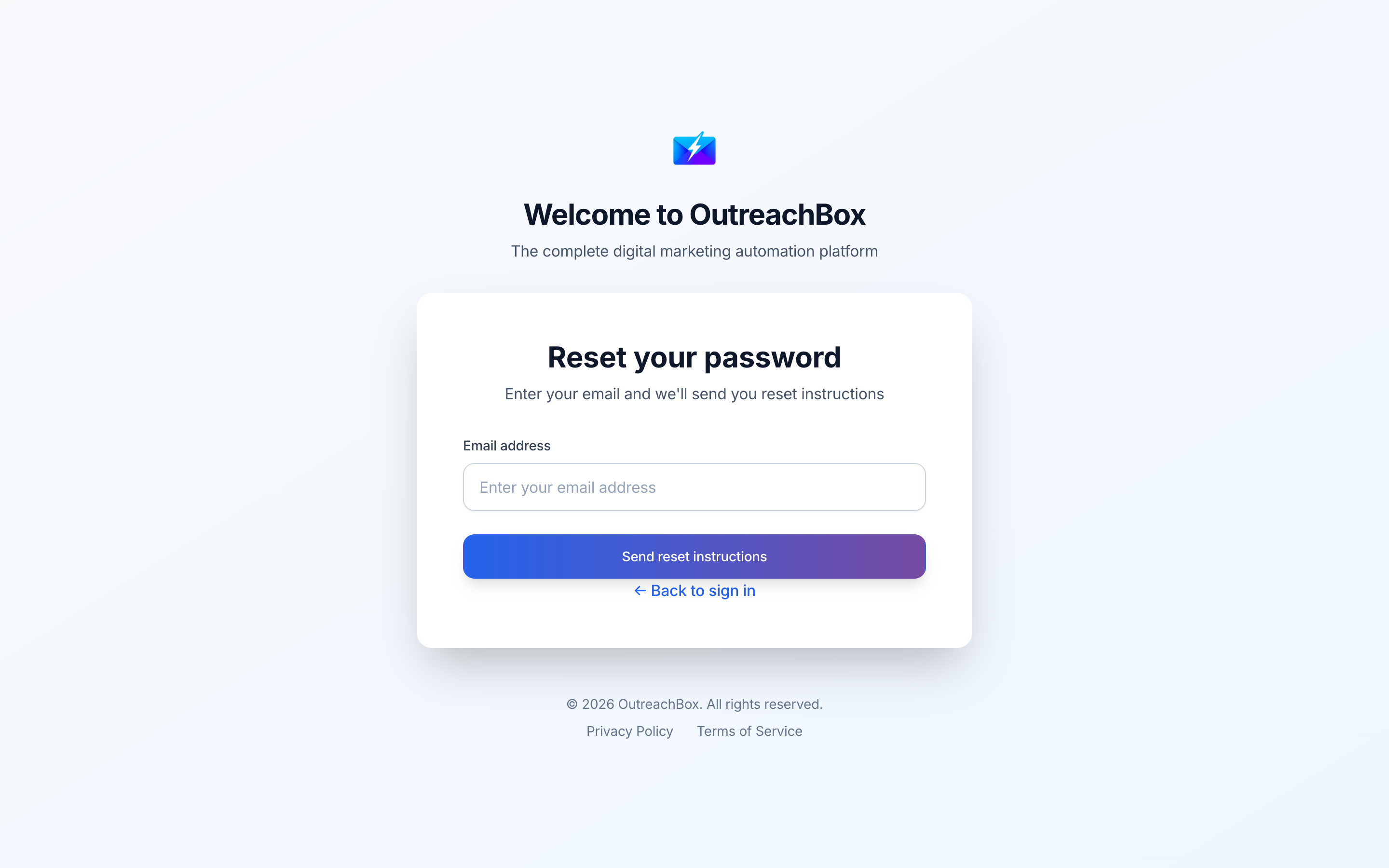
Whether you've forgotten your password or just want to lock down your account, this guide covers resetting your password and the security features that protect your data.
How to reset a forgotten password
- On the login page (
/login), click Forgot Password. - Enter your account email address.
- Check your inbox for a password reset email.
- Click the reset link — it takes you to the reset page.
- Enter and confirm a new password that meets the security requirements.
- Click Reset Password, then log in with your new credentials.
How OutreachBox protects your account
- XSS protection — all inputs are sanitized to prevent cross-site scripting.
- Input validation — email format and password strength are checked.
- Token-based authentication — secure session management.
- Password requirements — passwords must meet minimum strength standards.
How to strengthen your account security
- Use a strong, unique password with uppercase, lowercase, numbers, and symbols.
- Never reuse passwords from other services.
- Enable two-factor authentication in Settings if available.
- Log out when using shared or public computers.
- Review active sessions in Settings and sign out devices you don't recognize.
Best practices
- Use a password manager to generate and store unique passwords.
- Reset your password immediately if you suspect it's been exposed.
- Keep your recovery email address current and secure.
Frequently Asked Questions
I didn't receive the password reset email — what should I do?
Check your spam or junk folder, confirm you entered the correct email, and make sure the reset link hasn't expired. Request a new link if needed, or contact support.Why is my account locked?
Accounts can lock after multiple failed login attempts. Wait a few minutes and try again, or contact support if the issue persists.Can't log in even with the right password?
Verify your email is correct, check that Caps Lock is off, and use Forgot Password to reset if you're unsure.Related articles
- How to Create an OutreachBox Account and Get Started
- How to Configure Your Account and Organization Settings
A strong password and two-factor authentication are the simplest, highest-impact ways to keep your account safe.
Need more help?
Browse our knowledge base for more guides and tutorials