Lead Generation and Research
How to Find and Save Target Companies in OutreachBox
Updated June 15, 2026
Quick answer: Use company search to find companies by name, industry, size, and location, then click Save Company to bookmark them in My Companies. From a saved company you can search for contacts who work there — turning account targets into reachable people.
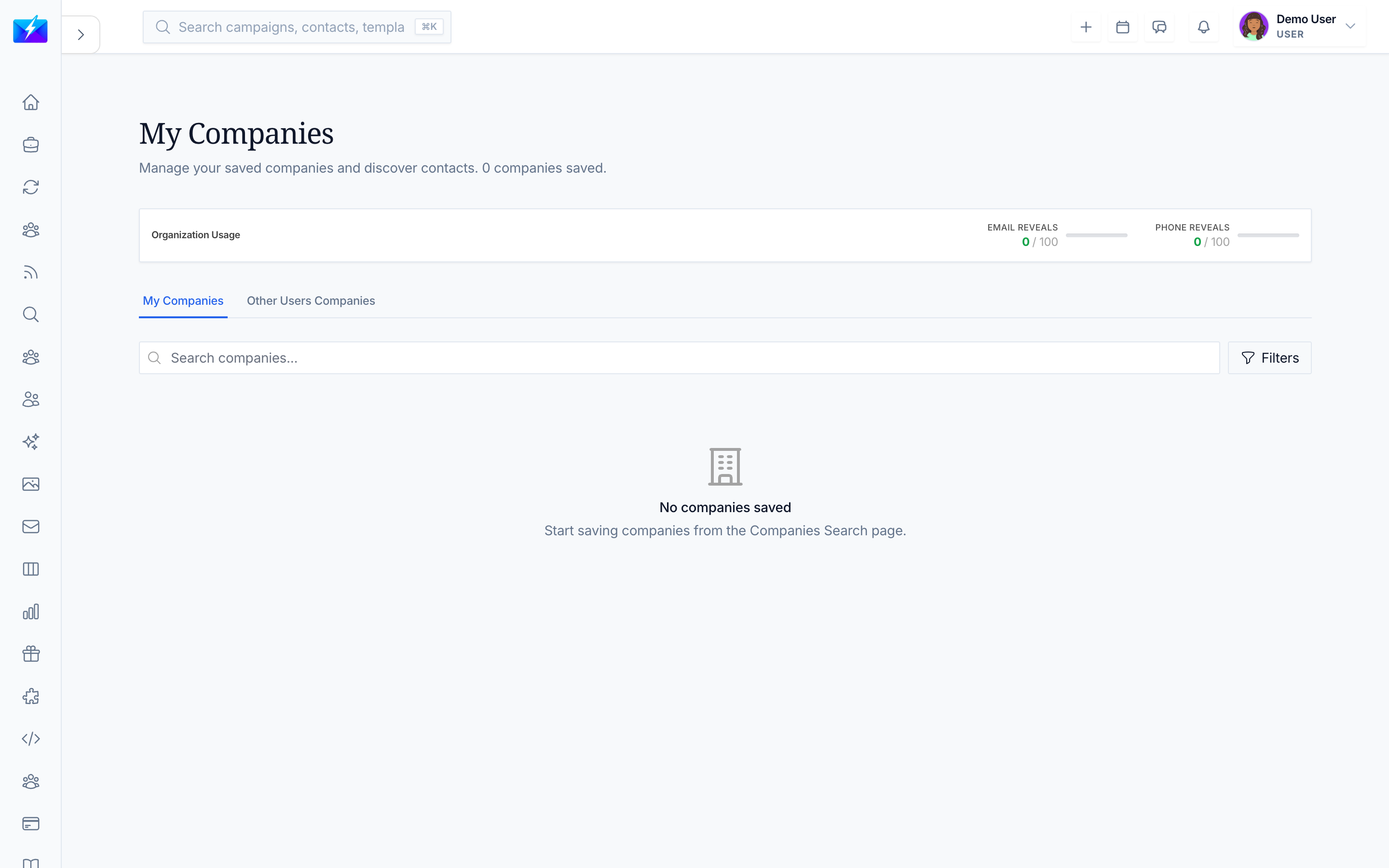
Account-based outreach starts with the right companies. OutreachBox lets you find target companies, save them, and drill into their people.
How to search for companies
- Open company search (within Leads).
- Enter a company name or use filters:
- Industry
- Company size
- Location
- View the company results and details — employee count, industry, location, and related contacts.
How to save and use companies
- Click Save Company to bookmark it in My Companies.
- Open My Companies to view, remove, or search contacts at any saved company.
- Reveal and save the right contacts, then add them to a campaign.
How this fits account-based outreach
- Build a list of target accounts (companies).
- Find decision-makers at each. See How to Find Decision-Makers With Sales Research.
- Reach out with personalized, account-specific messaging.
Best practices
- Save companies that match your ICP so your account list stays focused.
- Use the "search contacts at company" action to find multiple stakeholders per account.
- Pair company targeting with personalization for account-based outreach.
Frequently Asked Questions
Where do saved companies go?
Into My Companies, where you can view details, remove them, or search for contacts who work there.Can I find people at a saved company?
Yes — from a saved company, use the search-contacts action to find people who work there, then reveal and save them.How is this different from Leads Search?
Company search focuses on organizations; Leads Search focuses on people. Save target companies, then find the right people within them.Related articles
- How to Find B2B Leads With Leads Search
- How to Find Decision-Makers With Sales Research
- How to Build a Targeted Prospect List
Target the accounts that fit, save them, then find the right people inside each one.
Need more help?
Browse our knowledge base for more guides and tutorials